


Drop in your clip. Done.
20 CapCut desktop projects with the hook, effects and blend modes already in place. One double-click installs them all with every file linked. Swap your clip, change the words, export 1080×1920.

ORIGINAL TOOLS FOR GAMING CREATORS
From raw gaming clip to professional-looking content — without complex editing.
Original graphics • Editable assets • Digital downloads
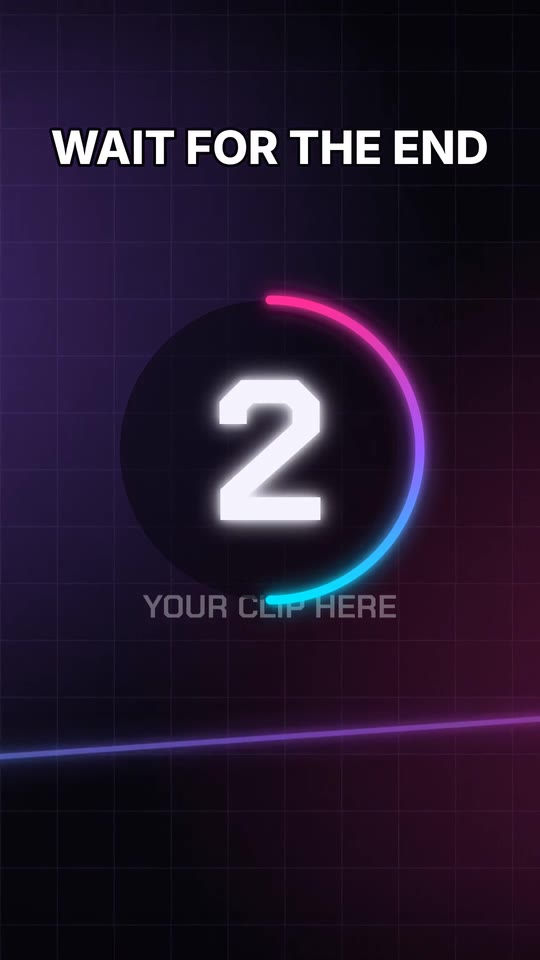
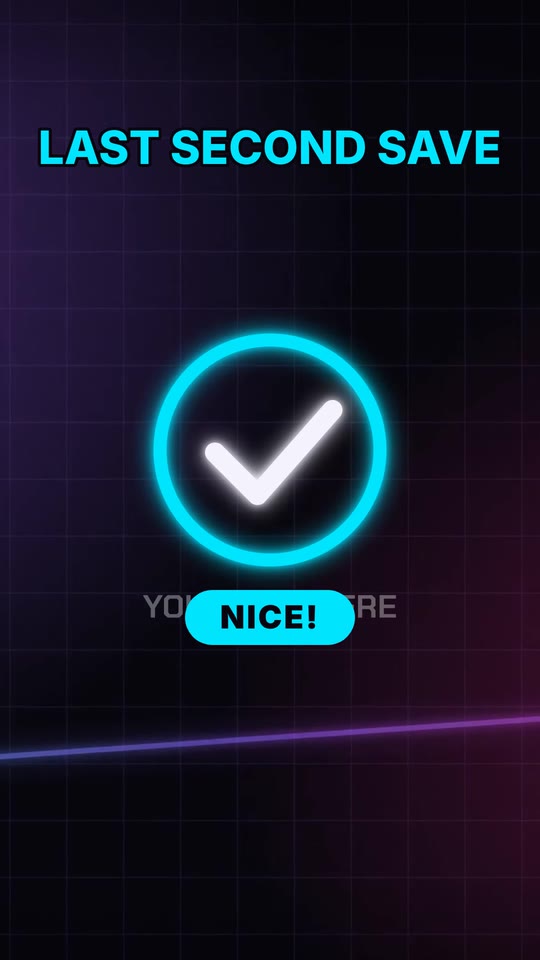
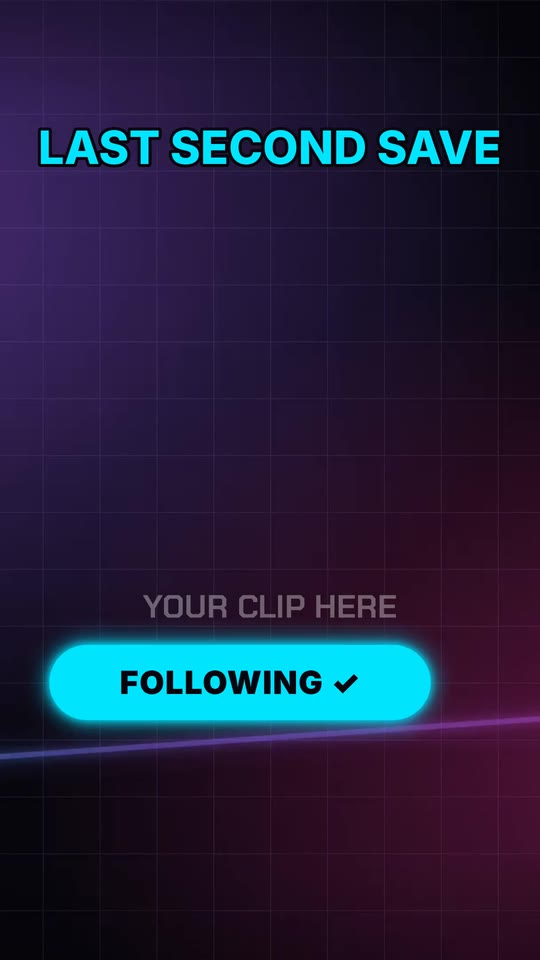
Every CapCut project is a finished edit waiting for your footage. Here is the example Short from the pack, step by step.


Frames from the example Short included in the pack. Placeholder footage shown; you add your own gameplay.
Open a project in CapCut desktop and replace the placeholder with your own gameplay. The hook, effects and button are already on the timeline.
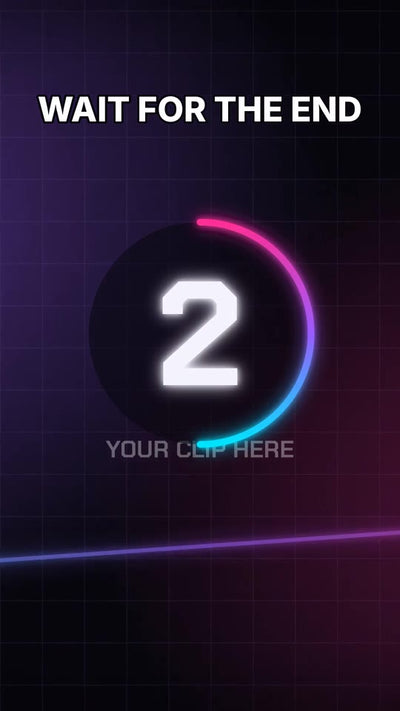
The headline is live text you can rewrite, and the 3-2-1 countdown is already timed to the start.
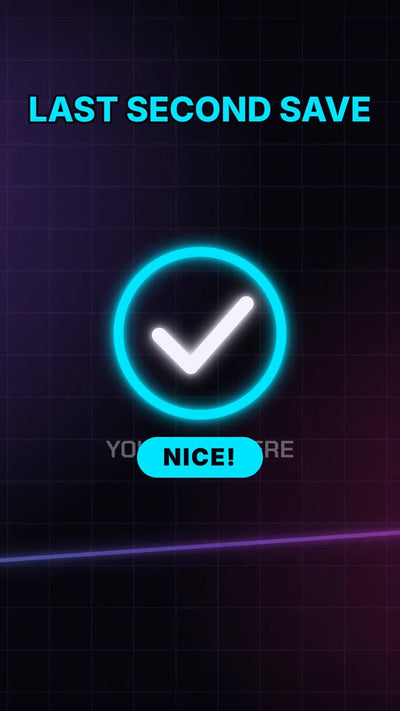
Win ticks, reaction pops and counters sit on their own tracks with the blend mode already set, so they glow over any footage.
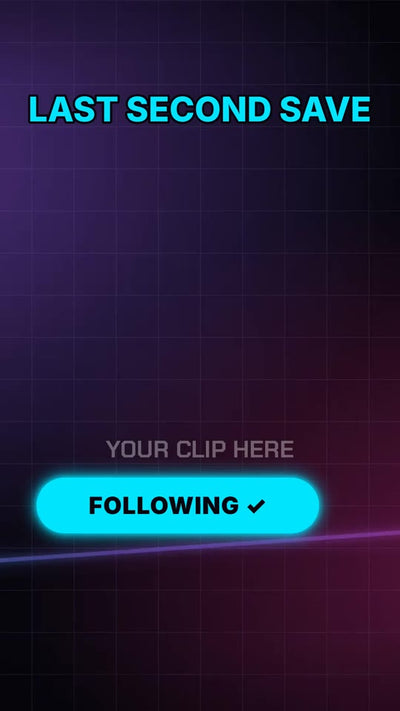
An animated follow button closes the Short. Export it and post.
Frames from the example Short included in the pack. Placeholder footage shown; you add your own gameplay.
20 YouTube thumbnails and 10 Shorts covers. Import them into your free Canva account, swap the image, change the words, publish.


WHY NEONCUT
Many packs hand you a folder of overlays and leave the editing to you. NEONCUT gives you the edit itself.
20 CapCut desktop projects with the hook, effects and blend modes already in place. One double-click installs them all with every file linked. Swap your clip, change the words, export 1080×1920.
Shorts, YouTube thumbnails, Shorts covers and OBS stream scenes share one neon style. Thumbnails edit in a free Canva account, no Photoshop needed.
No game footage, logos, characters or music. Every asset is made by NEONCUT LAB, so you can use it in monetized videos and client work.
We test in the real apps and list exactly what passed, on which setup. If something does not work for you, we fix it or refund you.
THE TOOLBOX
Start simple. Build a visual style worth recognizing.
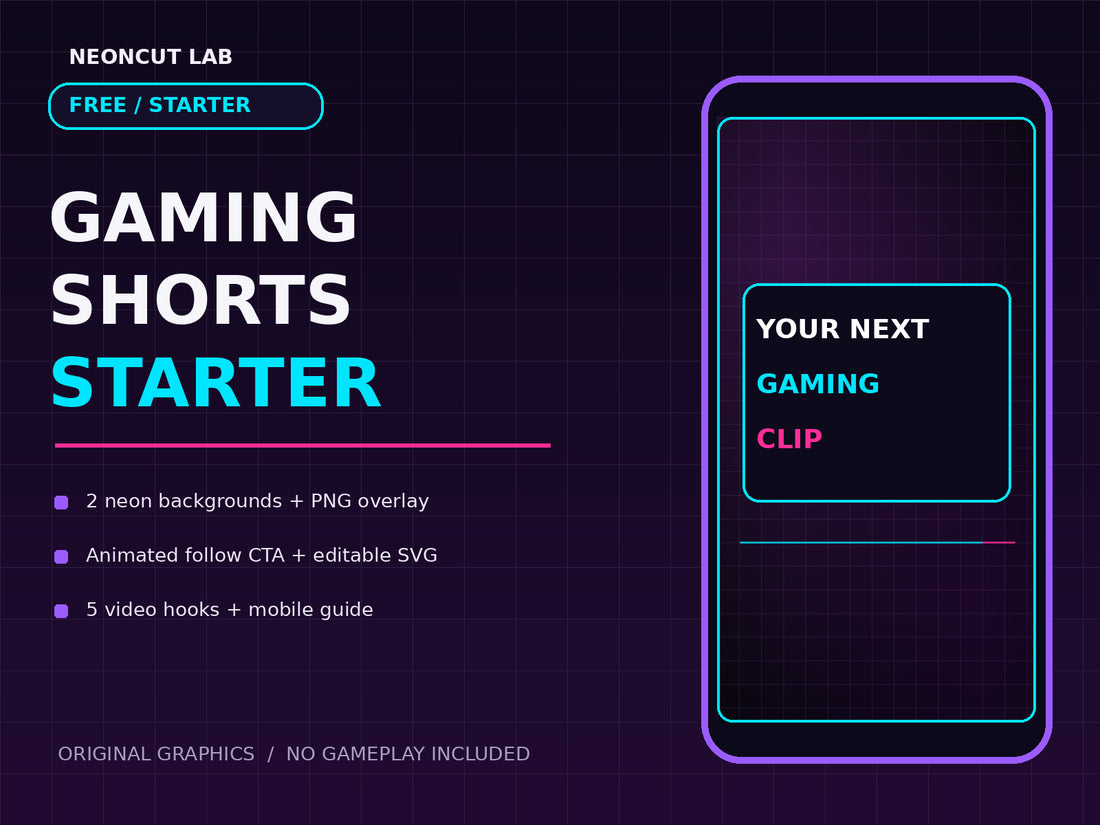
Start with 2 vertical PNG backgrounds, a transparent hook overlay, an animated Follow CTA, editable SVG source, 5 English hooks and a mobile guide. Editor-ready graphics for your own footage.
Get the free Starter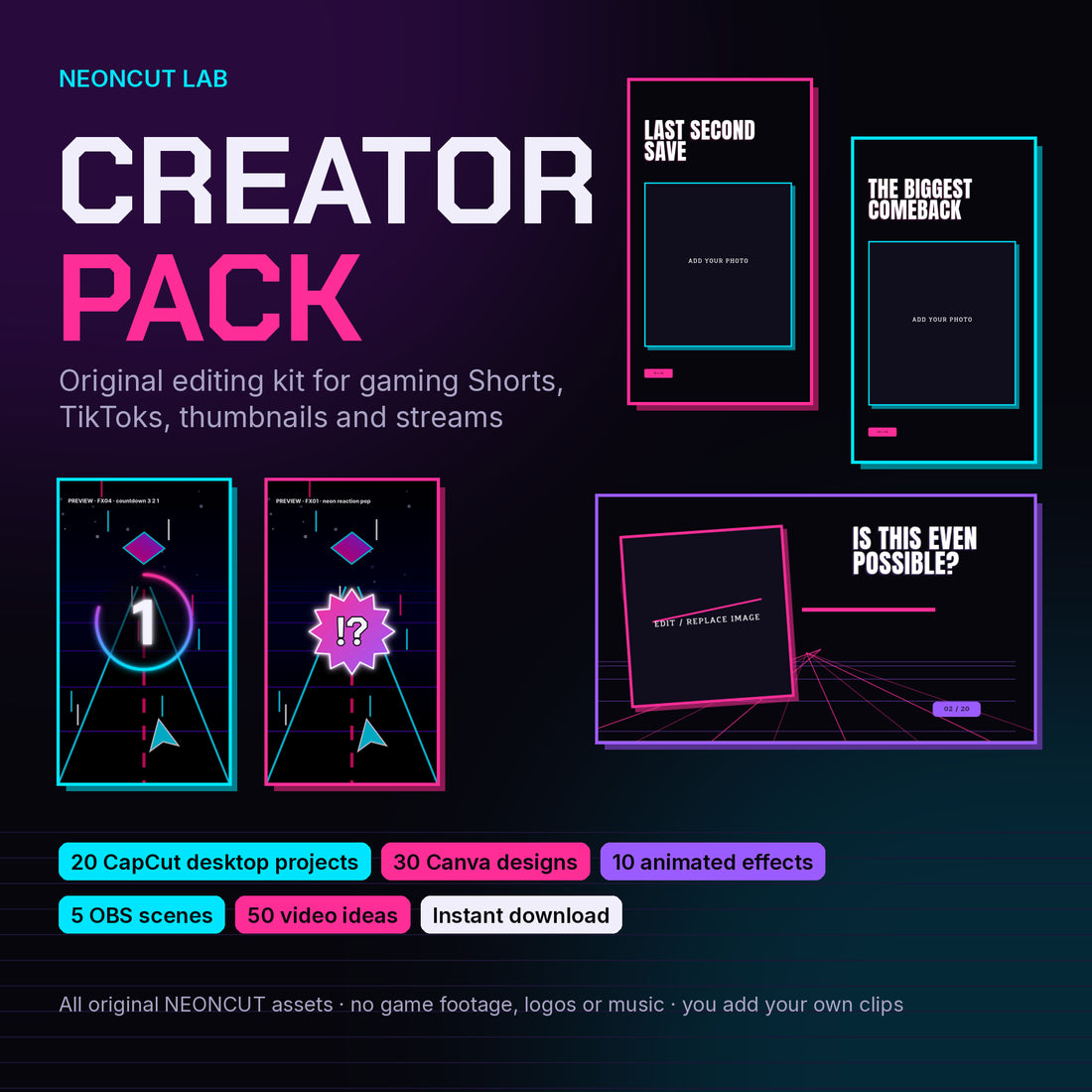
20 CapCut desktop projects (Windows), 30 Canva thumbnails and Shorts covers, 10 animated effects, 5 OBS scenes and 50 English video ideas. One-editor licence. Digital download.
Get Standard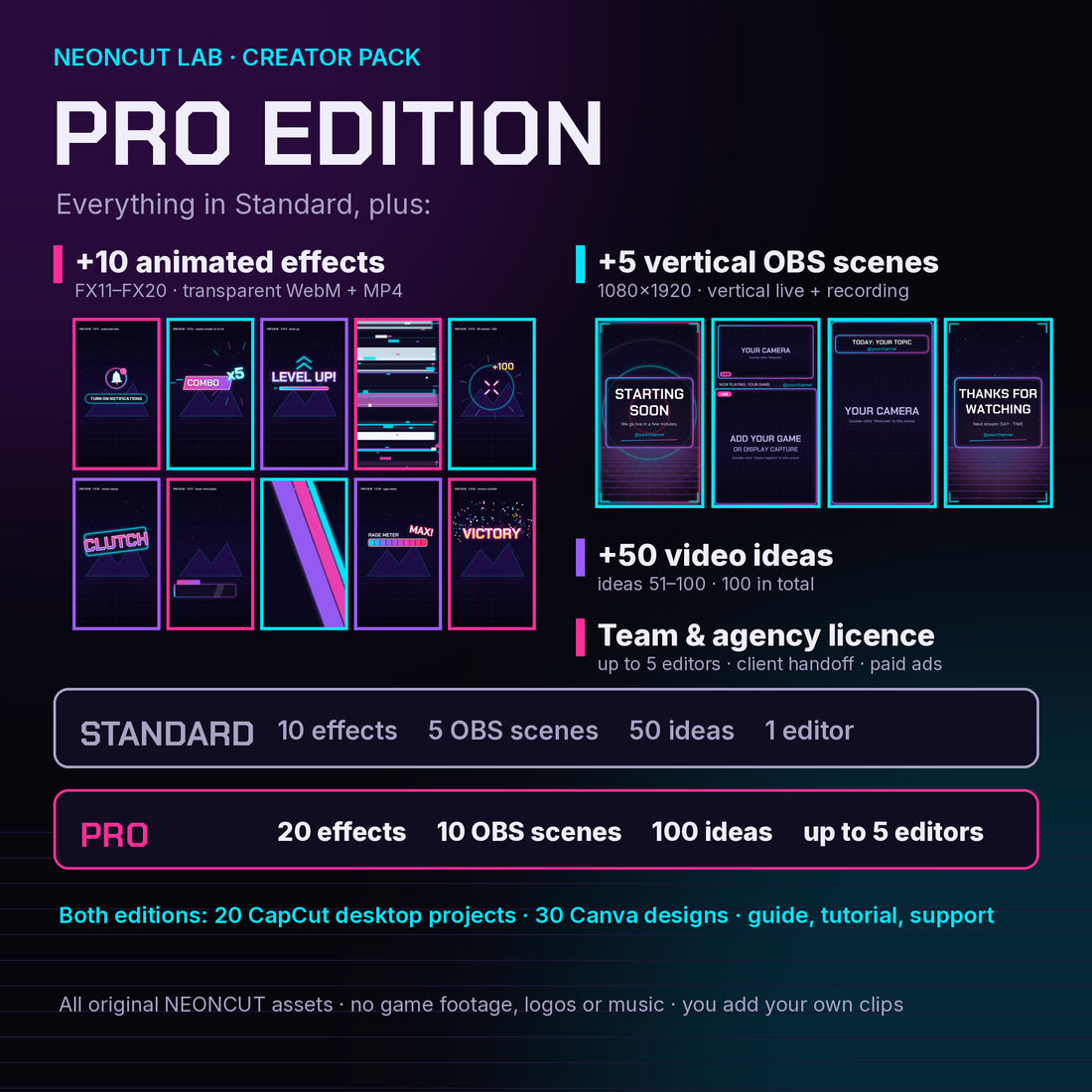
Everything in Standard, plus 10 more animated effects, 5 vertical OBS scenes (1080×1920), 50 more video ideas and a team & agency licence for up to 5 editors.
Get ProSTANDARD VS PRO
| Included | Standard | Pro |
|---|---|---|
| CapCut desktop projects (Windows) | 20 | 20 |
| Canva thumbnails & Shorts covers | 30 | 30 |
| Animated effects | 10 | 20 |
| OBS scenes | 5 widescreen | 5 widescreen + 5 vertical |
| English video ideas | 50 | 100 |
| Editors per licence | 1 | Up to 5 |
| Give a client the files you customized for them | Not included | Included |
| Paid ads & sponsored content | Not included | Included |
| Price | $19.99 | $39.99 |
| Get Standard | Get Pro |
Both editions include the START HERE guide, a 5-minute tutorial, an example finished Short and email support. Licence details: Digital Product Licence.
LESS SCROLL-PAST. MORE STANDOUT.
GOOD TO KNOW
A digital download (ZIP). The free Starter has vertical backgrounds, overlays, editable SVG source and a mobile guide. The Creator Pack comes in Standard and Pro editions; the comparison above shows exactly what each one includes.
Pro includes everything in Standard, plus 10 more animated effects (FX11–FX20), 5 vertical 1080×1920 OBS scenes, 50 more video ideas and a team & agency licence: up to 5 editors, handing clients the files you customized for them, and use in paid ads and sponsored content.
No. Our graphics are original and do not contain game footage, characters, trademarks, licensed music or official game assets.
The Creator Pack's CapCut projects need CapCut desktop for Windows; they don't open in the CapCut phone app. The Canva designs work in any Canva account, including free. The OBS scenes are for OBS Studio, and the animated effects work in any editor with Chroma key or Screen blend. The free Starter comes with a mobile guide for CapCut on your phone, and its SVG source opens in vector editors such as Inkscape. Each product page lists what was tested.